

 UK account
Description
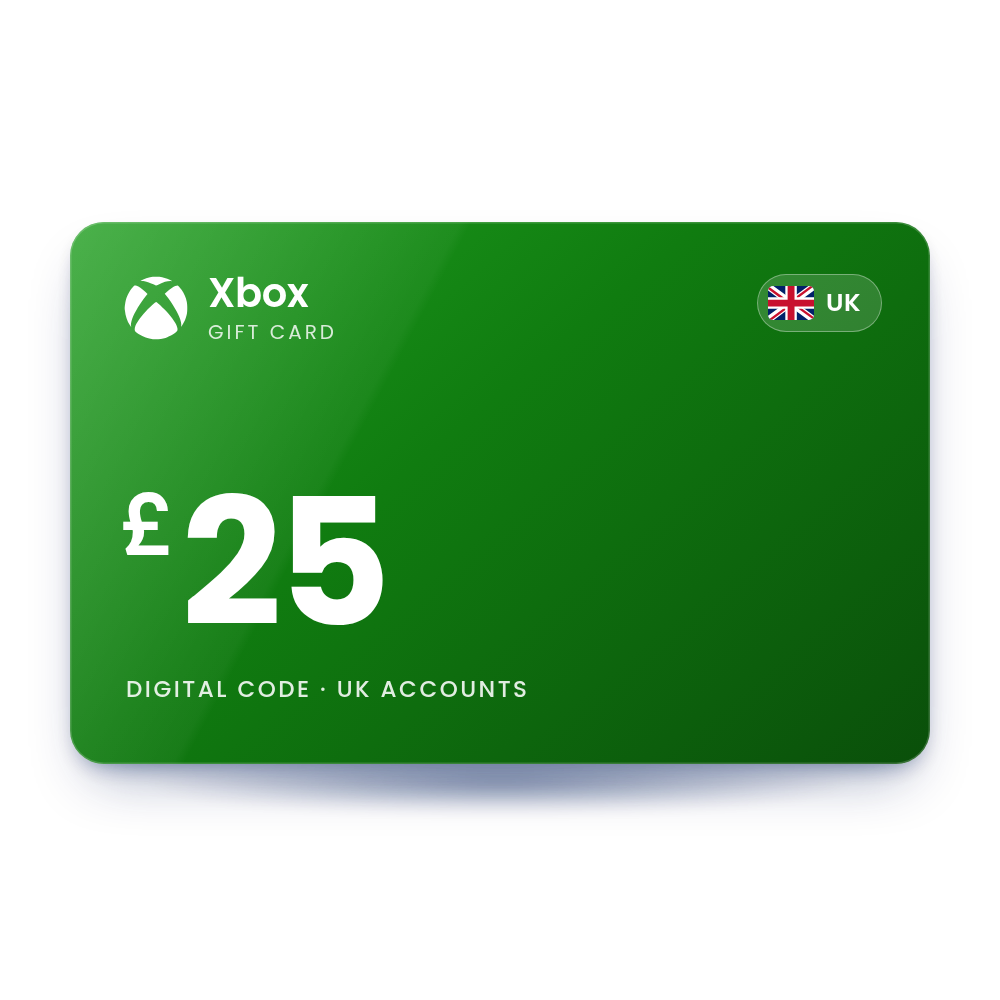
Xbox Gift Card 25 GBP (UK)
A £25 Xbox gift card code for UK Microsoft accounts. Redeem it and £25 is added to your Microsoft account balance, which you can spend in the Microsoft Store on Xbox and Windows. The code is in your account, usually within 10 minutes, and we email you when it is ready, so there is no card to wait for in the post.
- Value
 £25.00 GBP
 - Account region
 United Kingdom
 - Works onXbox Series X|S · Xbox One · Windows
- DeliveryDigital code in your account
 £25.00 GBP
 United Kingdom
 Xbox Series X|S · Xbox One · Windows
 Digital code in your account
What you can spend it on
The balance works across the Microsoft Store on Xbox and Windows.
Games
Buy full games for Xbox Series X|S, Xbox One and Windows PC in the Microsoft Store.
Add-ons and in-game currency
Pay for DLC, season passes and in-game currency in games sold through the Microsoft Store.
Game Pass
Pay for Xbox Game Pass Essential, Premium, Ultimate or PC Game Pass from your account balance.
Apps
Buy apps sold in the Microsoft Store on Windows and Xbox.
How to redeem your Xbox code
It takes about a minute. You need the code from your order, in My Account › Orders.
On Xbox Series X|S or Xbox One Console
- Press the Xbox button to open the guide, then select Store.
- Press the View button to open the side menu, then select Redeem.
- Enter the 25-character code and select Next.
- Follow the prompts to add the balance or membership to your account.
In a web browser Web
- Go to redeem.microsoft.com in a web browser.
- Sign in with the Microsoft account you use on Xbox.
- Enter the 25-character code and select Next.
- Confirm to add the balance or membership.
On a Windows PC Xbox app or Microsoft Store
- Open the Xbox app, select your gamerpic, then select Settings.
- Under Redeem a code, select Redeem.
- Enter the 25-character code and select Next.
More help: the official Xbox page.
Why buy it from TechHauz
- Code in your accountUsually within 10 minutes of payment, in My Account › Orders, with an email when it is ready.
- Genuine codesSourced from authorized distributors and checked before delivery, for the right platform and region.
- Help around the clock24/7 support by live chat, email and WhatsApp. If a code shows an error, send us a screenshot.
- A US company since 2016TECH HAUZ LLC, based in Maryland, rated 4.3 out of 5 by verified buyers.
Xbox questions
Does the Xbox code expire?
Microsoft's gift card terms say non-promotional account balance does not expire. Promotional balance can expire under the terms of that promotion.
Can I redeem an Xbox code on the Xbox mobile app?
Yes. Xbox Support says you can redeem a code in the Xbox mobile app: open your profile, select the settings gear, then select Redeem code. You can also redeem on a console, on a Windows PC or at redeem.microsoft.com.
Why do I get error XBOS3004 when I redeem?
The code is for a different country than your account or device. Use a code for your own country, and check that your console location under Settings > System matches where you live.
Can I stack several Game Pass codes?
Yes, up to a limit. Microsoft allows up to 36 months of Game Pass Ultimate. Game Pass Essential and PC Game Pass can also go up to 36 months in most countries (13 months in a few, including Türkiye). Game Pass Premium can be extended up to 13 months.
What happens if I redeem a Premium or Essential code while I have Ultimate?
The code is converted into Ultimate time at a ratio set by Microsoft, so you get fewer days than the code's face length. The conversion is final.
Can I move my balance to another Microsoft account?
No. Once redeemed, the balance belongs to that account and Xbox Support cannot transfer it.
How quickly will I get the code?
Most orders are in your account within 10 minutes. If your payment needs a security check, which is more common on a first order, it can take a little longer. The code is also saved in My Account › Orders.
What if the code doesn't work?
First check that your Microsoft account is set to the United Kingdom. If it is and the code still shows an error, contact us with a screenshot of the message and your order number.
 USA account
 Finland account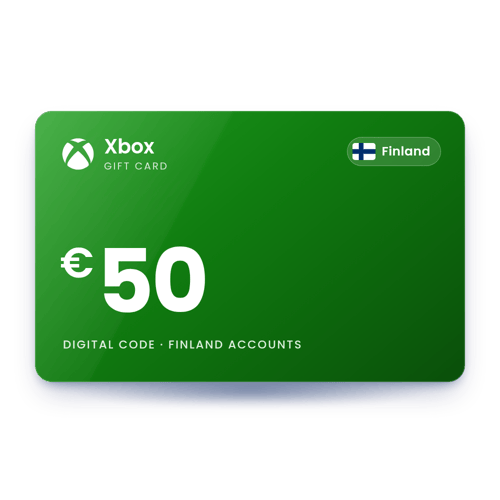
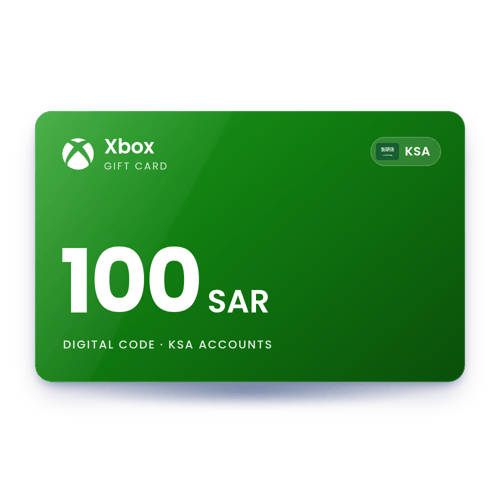
 KSA account
Reviews
There are no reviews yet