

 USA account
Description
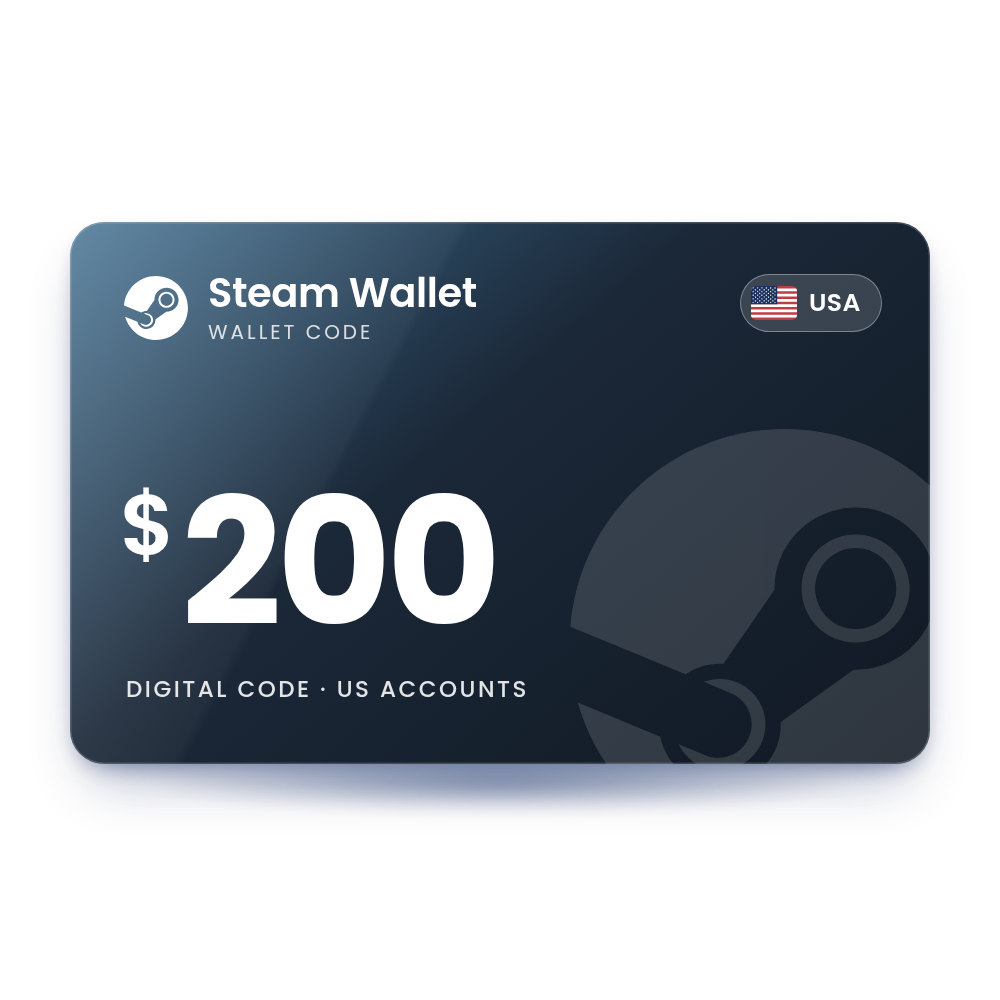
Steam Wallet Card 200 USD (USA)
A $200 Steam Wallet code. Redeem it on your Steam account and $200 is added to your Steam Wallet for games, DLC and in-game items. The code's currency has to match the currency of your wallet. The code is in your account, usually within 10 minutes, and we email you when it is ready, so there is no card to wait for in the post.
- Value
 $200.00 USD
 - Account region
 United States
 - Works onWindows · Mac · Linux · Steam Deck
- DeliveryDigital code in your account
 $200.00 USD
 United States
 Windows · Mac · Linux · Steam Deck
 Digital code in your account
What you can spend it on
Wallet funds work across the Steam store and Community Market.
PC games
Buy games and software in the Steam store for Windows, Mac and Linux.
DLC and in-game purchases
Pay for DLC and in-game items in games that accept Steam Wallet payments.
Steam Community Market
Buy items from other players on the Steam Community Market.
Steam hardware
Put the balance toward Valve hardware sold on Steam, where available in your country.
How to redeem your Steam code
It takes about a minute. You need the code from your order, in My Account › Orders.
In a web browser Web
- Sign in at store.steampowered.com.
- Go to store.steampowered.com/account/redeemwalletcode (the Redeem a Steam Gift Card or Wallet Code page).
- Enter the code in the Steam Wallet Code field and click Continue.
- The new balance shows next to your account name at the top right.
In the Steam desktop app PC
- Open Steam and sign in.
- Click your account name at the top right and select Account details.
- Click Add funds to your Steam Wallet, then choose Redeem a Steam Gift Card or Wallet Code.
- Enter the code in the Steam Wallet Code field and click Continue.
More help: the official Steam page.
Why buy it from TechHauz
- Code in your accountUsually within 10 minutes of payment, in My Account › Orders, with an email when it is ready.
- Genuine codesSourced from authorized distributors and checked before delivery, for the right platform and region.
- Help around the clock24/7 support by live chat, email and WhatsApp. If a code shows an error, send us a screenshot.
- A US company since 2016TECH HAUZ LLC, based in Maryland, rated 4.3 out of 5 by verified buyers.
Steam questions
Does the Steam code expire?
The Steam Subscriber Agreement sets no expiry date for Steam Wallet funds in general. The only exception is Japan, where unused funds expire six months after they were added, as required by Japanese law; none of our regions are affected.
Will a code in another currency be converted?
No. Steam only lets you redeem codes in the currency of your Steam Wallet. Buy a code in the same currency your Steam store shows.
Can I use a wallet code to change my Steam store country?
No. Steam says wallet codes and game keys cannot change your store country. You can only change it after moving, by paying with a payment method from the new country, once every 3 months.
Can I send my Steam Wallet balance to a friend?
No. Wallet funds cannot be moved, withdrawn or gifted to another Steam account.
Is there a limit to how much I can add?
Yes. Within any 24-hour period, the amount stored in your wallet plus the amount spent from it may not exceed 2,000 US dollars or the local equivalent. Extra deposits wait until you are under the limit.
The code shows an error. What should I check?
Retype it carefully. Steam suggests trying the letter Q, O or D for a zero, I for a one, 8 for a B and 6 for a G.
How quickly will I get the code?
Most orders are in your account within 10 minutes. If your payment needs a security check, which is more common on a first order, it can take a little longer. The code is also saved in My Account › Orders.
What if the code doesn't work?
First check that your Steam account is set to the United States. If it is and the code still shows an error, contact us with a screenshot of the message and your order number.

 UAE account
Reviews
There are no reviews yet