
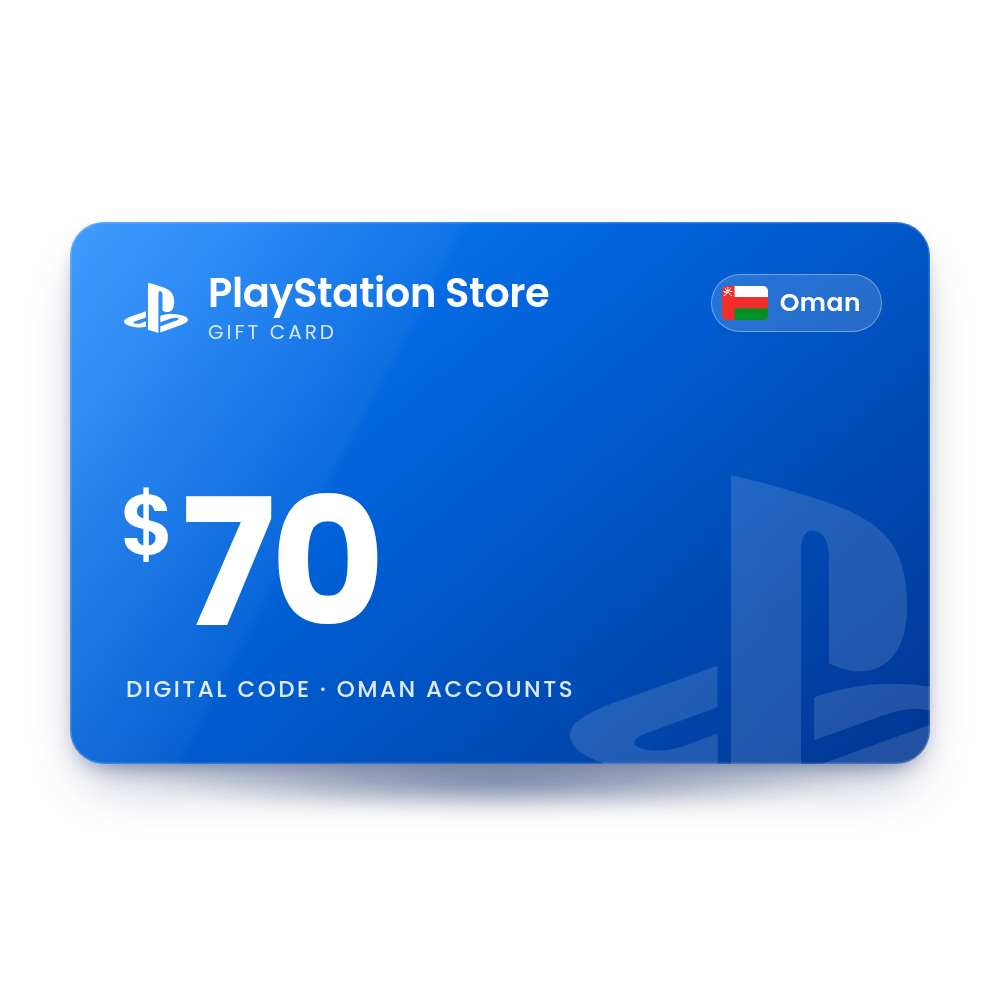

 Oman account
Description
PSN Card 70 USD (Oman)
A $70 digital code for the Omani PlayStation Store. Redeem it and $70 is added to your PlayStation wallet, ready to spend on games, add-ons and PlayStation Plus. The code is in your account, usually within 10 minutes, and we email you when it is ready, so there is no card to wait for in the post.
- Value
 $70.00 USD
 - Account region
 Oman
Oman - Works onPS5 · PS4 · Web · App
- DeliveryDigital code in your account
 $70.00 USD
 Oman
Oman PS5 · PS4 · Web · App
 Digital code in your account
What you can spend it on
Wallet funds work across the whole PlayStation Store.
Games
Buy full PS5 and PS4 games as digital downloads from the PlayStation Store.
Add-ons and DLC
Pay for expansions, season passes and other add-ons for games you own.
PlayStation Plus
Pay for a PlayStation Plus membership or its renewal from your wallet funds.
In-game currency
Buy virtual currency sold in the store, such as V-Bucks or EA SPORTS FC Points.
How to redeem your PlayStation Store code
It takes about a minute. You need the code from your order, in My Account › Orders.
On PS5 Console
- Open PlayStation Store and press the triangle button to open the menu.
- Select … (More) and then Redeem Code.
- Enter the 12-digit code and select Redeem.
- The funds are added to your wallet right away.
On PS4 Console
- Open PlayStation Store and scroll to the bottom of the sidebar.
- Select Redeem Codes.
- Enter the 12-digit code and select Continue.
- Select Confirm to add the funds to your wallet.
In a web browser Web
- Sign in to PlayStation Store at store.playstation.com with the account you want to fund.
- Select your profile picture at the top of the page.
- Select Redeem Code from the drop-down menu.
- Enter the 12-digit code and select Continue.
More help: the official PlayStation Store page.
Why buy it from TechHauz
- Code in your accountUsually within 10 minutes of payment, in My Account › Orders, with an email when it is ready.
- Genuine codesSourced from authorized distributors and checked before delivery, for the right platform and region.
- Help around the clock24/7 support by live chat, email and WhatsApp. If a code shows an error, send us a screenshot.
- A US company since 2016TECH HAUZ LLC, based in Maryland, rated 4.3 out of 5 by verified buyers.
PlayStation Store questions
Does the PlayStation Store code expire?
Sony says some PlayStation Store codes have an expiry date, so we recommend redeeming your code soon after you receive it.
Can I use a card from another country on my PlayStation account?
No. The card must match the country of your PlayStation account, and the country printed on the card is the only one it works in. For example, a US card does not work on a UK or Kuwait account.
Can I change the country of my PlayStation account?
No. The country is fixed when the account is created.
Which currency are the Gulf and Lebanon cards in?
Kuwait, Qatar, Oman, Bahrain and Lebanon cards are in US dollars because those PlayStation Stores price in US dollars. The UAE and Saudi stores also used US dollars and are switching to dirhams and riyals in October 2026; US dollar cards for those two countries remain valid and are converted when redeemed.
Is there a limit to how much I can keep in my wallet?
Yes. Sony sets a maximum wallet balance. If a code would take you over the limit, spend some of your balance first and then redeem it.
I redeemed the code on the wrong account. Can the money be moved?
No. PlayStation Support cannot transfer wallet funds between accounts, and each code can only be used once.
How quickly will I get the code?
Most orders are in your account within 10 minutes. If your payment needs a security check, which is more common on a first order, it can take a little longer. The code is also saved in My Account › Orders.
What if the code doesn't work?
First check that your PlayStation account is set to Oman. If it is and the code still shows an error, contact us with a screenshot of the message and your order number.
 UAE account
 KSA account
 USA account
Reviews
There are no reviews yet