

 UK account
Description
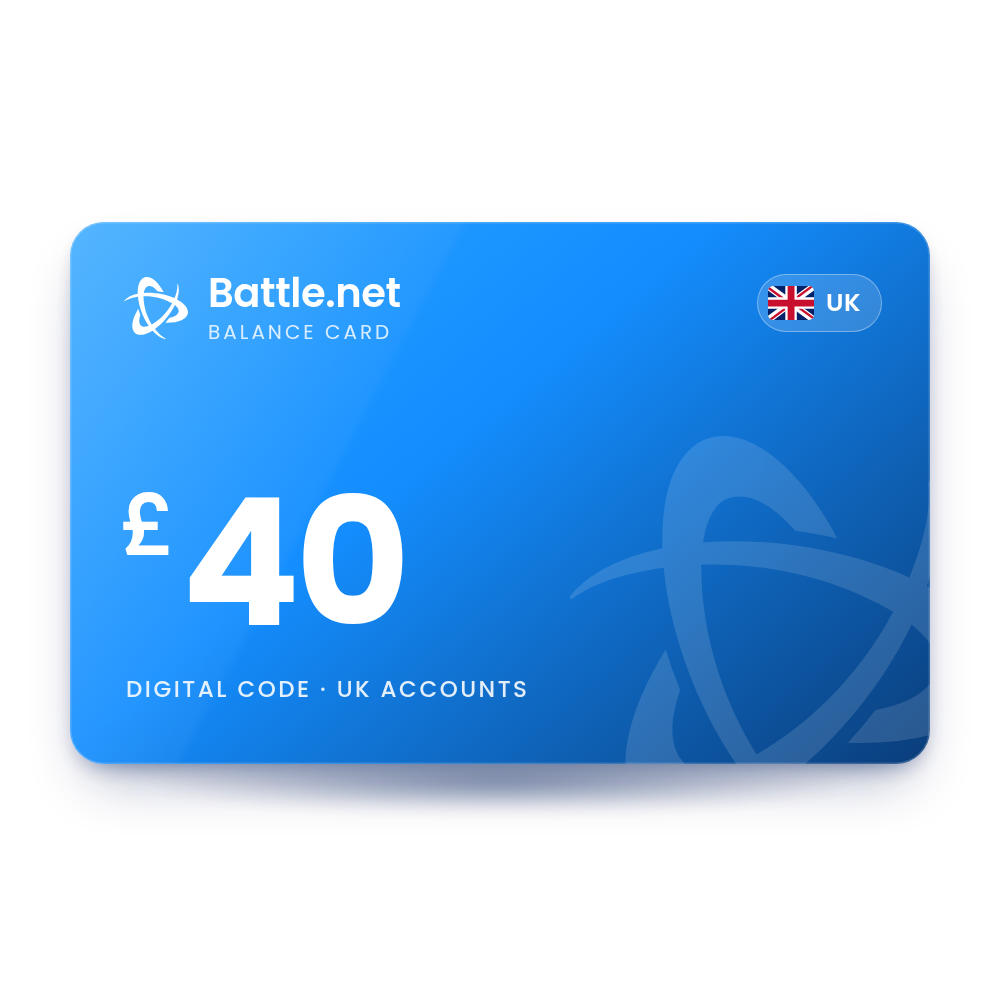
Blizzard Gift Card 40 GBP (UK)
A £40 Battle.net Balance code (formerly Blizzard Balance). Redeem it and £40 is added to your Battle.net account for World of Warcraft Game Time, Overwatch Coins, games and expansions. The code is in your account, usually within 10 minutes, and we email you when it is ready, so there is no card to wait for in the post.
- Value
 £40.00 GBP
 - Account region
 United Kingdom
 - Works onWindows · Mac · Web
- DeliveryDigital code in your account
 £40.00 GBP
 United Kingdom
 Windows · Mac · Web
 Digital code in your account
What you can spend it on
Spend it in the Battle.net Shop and in Blizzard's PC games.
World of Warcraft Game Time
Buy WoW Game Time, which Blizzard allows even though recurring WoW subscriptions cannot be paid with balance.
Overwatch Coins
Buy Overwatch Coins on PC; Overwatch uses your balance first when it covers the price.
Games and expansions
Buy digital games, expansions and upgrades sold in the Battle.net Shop.
Gifts
Use your balance to buy a Battle.net Shop product as a gift for a friend. Balance cannot be used to pay for a Battle.net Balance gift.
How to redeem your Battle.net code
It takes about a minute. You need the code from your order, in My Account › Orders.
On the web Battle.net Account Management
- Log in to your Battle.net Account Overview.
- Type the code in the Redeem a Code box.
- Click Redeem Code.
In the Battle.net desktop app Windows · Mac
- Log in to the Battle.net desktop app.
- Click your profile icon in the top right corner.
- Click Redeem Code and enter the code.
In the Battle.net mobile app Phone
- Log in to the Battle.net mobile app.
- Tap your BattleTag to open your profile.
- Choose Redeem Code from the dropdown menu and enter the code.
More help: the official Battle.net page.
Why buy it from TechHauz
- Code in your accountUsually within 10 minutes of payment, in My Account › Orders, with an email when it is ready.
- Genuine codesSourced from authorized distributors and checked before delivery, for the right platform and region.
- Help around the clock24/7 support by live chat, email and WhatsApp. If a code shows an error, send us a screenshot.
- A US company since 2016TECH HAUZ LLC, based in Maryland, rated 4.3 out of 5 by verified buyers.
Battle.net questions
Can I pay for a World of Warcraft subscription with it?
Not a recurring subscription. Blizzard does not accept Battle.net Balance for recurring payments, but you can use it to buy WoW Game Time.
Why do I get "The currency of the balance code you are trying to redeem is not supported in this region"?
The card's currency does not match the currency of your Battle.net Shop, which comes from your account's Country of Residence. Blizzard asks you to contact Customer Support with a screenshot of the code.
Is there a limit to how much balance I can hold?
Yes. Blizzard caps balance at $350, €250 or £200 with an Authenticator linked, or $110, €110 or £100 without one. A code that would push you over the cap gives an error until you spend some balance or add an Authenticator.
Can I use it on PlayStation, Xbox, Nintendo or mobile stores?
No. Blizzard lists the PlayStation Store, Xbox Marketplace, Nintendo Store, Apple App Store, Google Play and Amazon Appstore as places where balance cannot be used. It also cannot be used in the Blizzard Gear Store.
Can I move balance to another account or cash it out?
No. Battle.net Balance cannot be converted to cash or transferred to another account. It can be combined with another payment method at checkout.
How quickly will I get the code?
Most orders are in your account within 10 minutes. If your payment needs a security check, which is more common on a first order, it can take a little longer. The code is also saved in My Account › Orders.
What if the code doesn't work?
First check that your Battle.net account is set to the United Kingdom. If it is and the code still shows an error, contact us with a screenshot of the message and your order number.
 Europe account
 USA account
Reviews
There are no reviews yet