
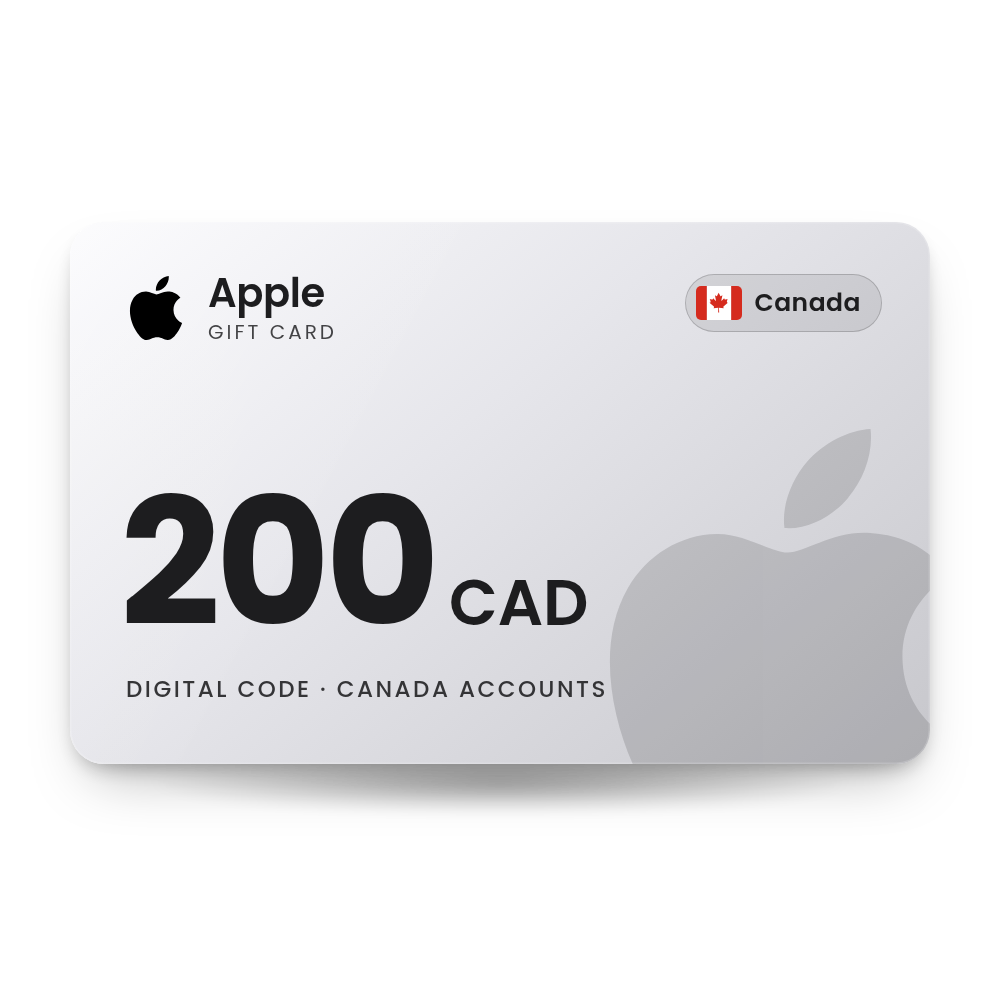

 Canada account
Description
Apple Gift Card 200 CAD (Canada)
A 200 CAD Apple Gift Card code for Canadian Apple Accounts. Redeem it and 200 CAD is added to your Apple Account balance for apps, games, subscriptions such as iCloud+ and Apple Music, and more from Apple. The code is in your account, usually within 10 minutes, and we email you when it is ready, so there is no card to wait for in the post.
- Value
 200 CAD
 - Account region
 Canada
 - Works oniPhone · iPad · Mac · Windows · Web
- DeliveryDigital code in your account
 200 CAD
 Canada
 iPhone · iPad · Mac · Windows · Web
 Digital code in your account
What you can spend it on
One balance for the App Store, subscriptions and more.
Apps and games
Pay for App Store apps, games and in-app purchases such as game currency.
Apple subscriptions
Cover iCloud+, Apple Music, Apple TV, Apple Arcade or Apple One from your balance.
Apple products
Buy devices and accessories at apple.com, in the Apple Store app or at an Apple Store in the card's country.
Movies, music and books
Buy or rent movies and shows in the Apple TV app, music in the iTunes Store and books in Apple Books.
How to redeem your Apple code
It takes about a minute. You need the code from your order, in My Account › Orders.
On iPhone or iPad App Store
- Open the App Store and tap your photo, initials or the My Account button at the top.
- Tap Redeem Code. Sign in to your Apple Account if asked.
- Tap Enter Code Manually and type the code (or tap Use Camera on a physical card).
- Tap Redeem. The amount is added to your Apple Account balance.
On Mac App Store
- Open the App Store and click your name in the sidebar (or the Sign In button).
- Click Redeem Code.
- Click Enter Code Manually and type the code.
- Follow the on-screen steps to finish.
On a Windows PC Apple Music or Apple TV app
- Open the Apple Music app or the Apple TV app.
- Click your name at the bottom of the sidebar, then click Redeem.
- Sign in if asked, enter the code and click Redeem.
More help: the official Apple page.
Why buy it from TechHauz
- Code in your accountUsually within 10 minutes of payment, in My Account › Orders, with an email when it is ready.
- Genuine codesSourced from authorized distributors and checked before delivery, for the right platform and region.
- Help around the clock24/7 support by live chat, email and WhatsApp. If a code shows an error, send us a screenshot.
- A US company since 2016TECH HAUZ LLC, based in Maryland, rated 4.3 out of 5 by verified buyers.
Apple questions
Does the Apple code expire?
Apple's gift card terms for Canada list no expiration date. After you redeem it, unused balance stays on your Apple Account.
Can I use a US Apple Gift Card on a UK or Saudi Apple Account?
No. Apple only lets you redeem a card on an account set to the country or region where the card was sold. Pick the card that matches the country your Apple Account already uses.
Can I buy an iPhone or AirPods with it?
Yes. Use the balance at apple.com, in the Apple Store app or at an Apple Store in the card's country.
Will my balance pay for iCloud+ or Apple Music?
Yes. Apple deducts eligible purchases and subscriptions, including iCloud+, Apple Music, Apple TV and Apple Arcade, from your balance. Some purchases still require a credit card on file even when the balance covers them.
Can I share my balance with my family?
No. Apple Account balance is available only to the account that redeemed it. It cannot be shared through Family Sharing.
Apple says the card was already redeemed. What should I do?
Check your Apple Account balance first. Apple suggests signing out of the App Store on your devices and signing back in to refresh it. If the balance still isn't there, contact Apple Support.
How quickly will I get the code?
Most orders are in your account within 10 minutes. If your payment needs a security check, which is more common on a first order, it can take a little longer. The code is also saved in My Account › Orders.
What if the code doesn't work?
First check that your Apple Account is set to Canada. If it is and the code still shows an error, contact us with a screenshot of the message and your order number.
 USA account
 Italy account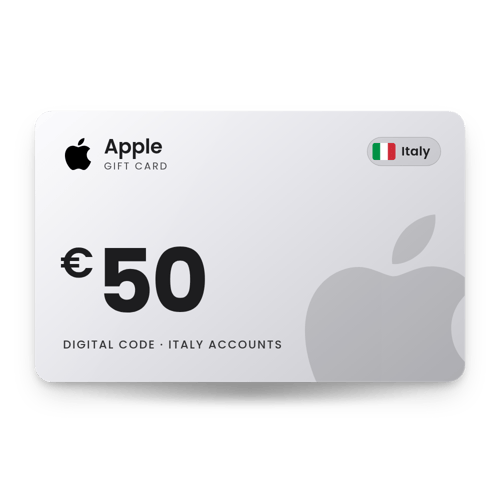
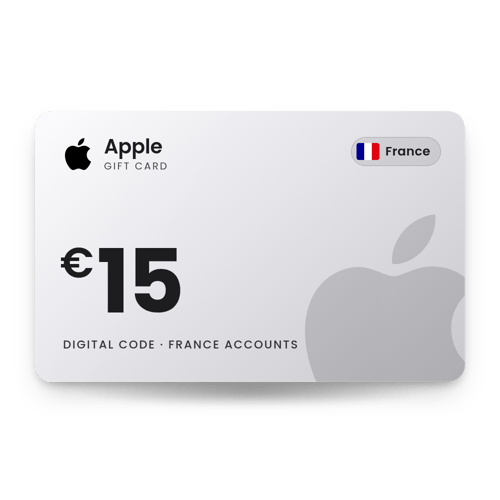
 France account
Reviews
There are no reviews yet