
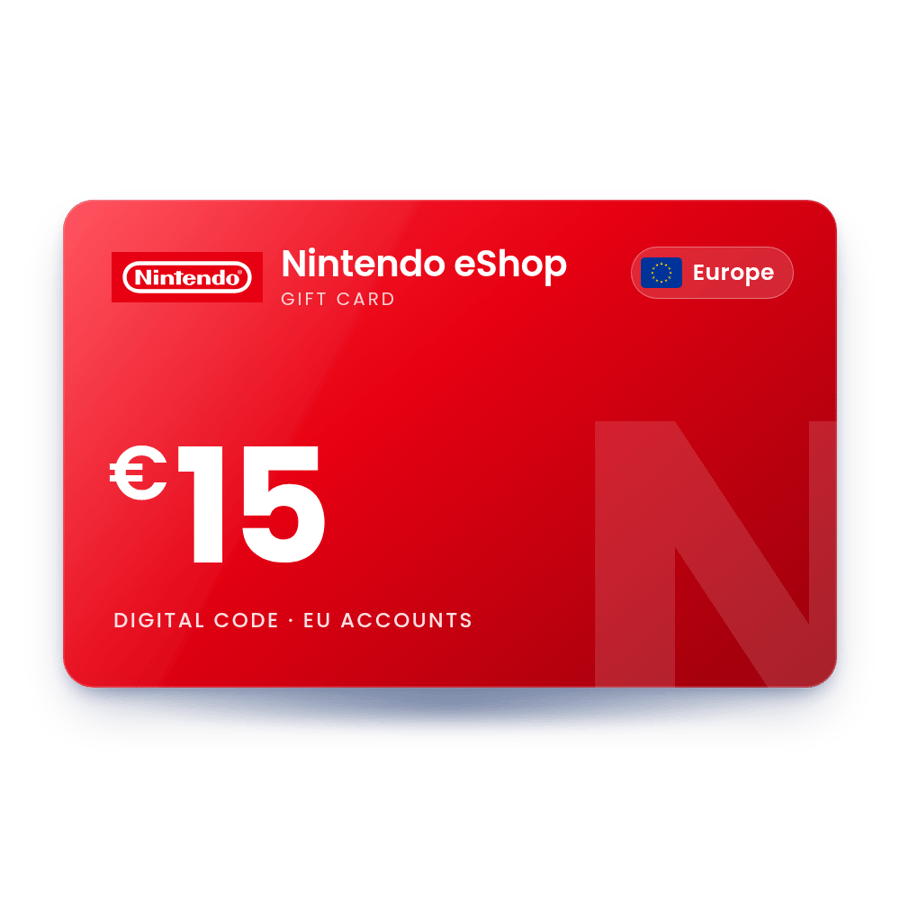
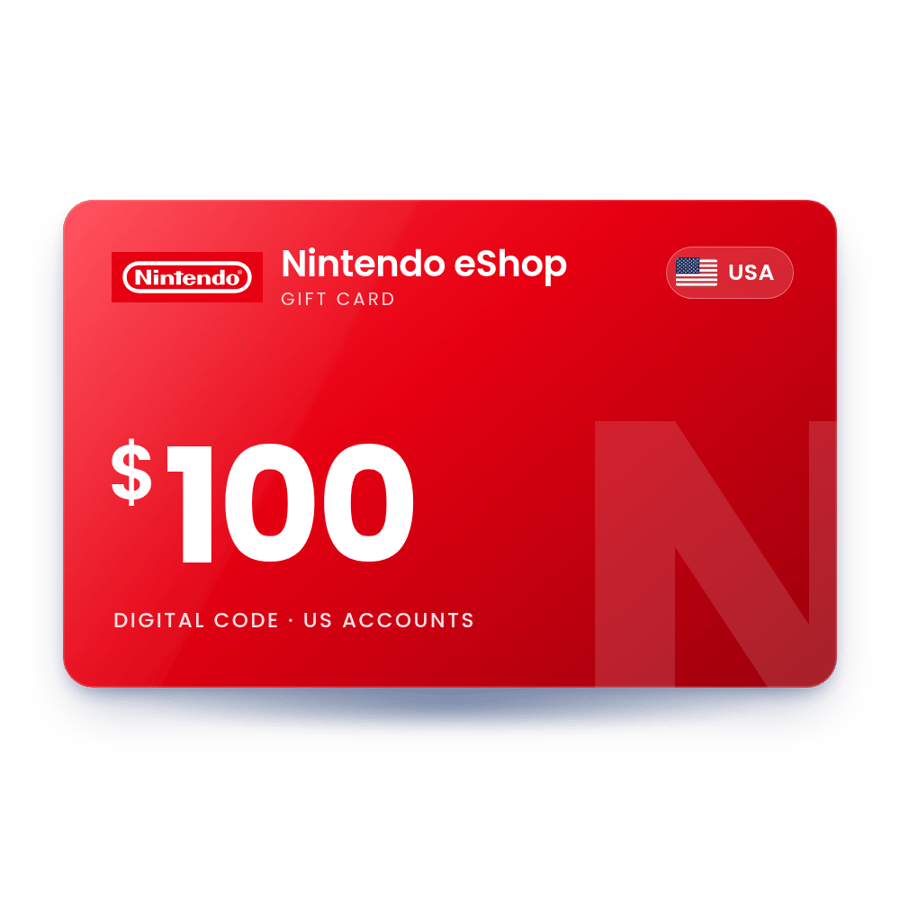
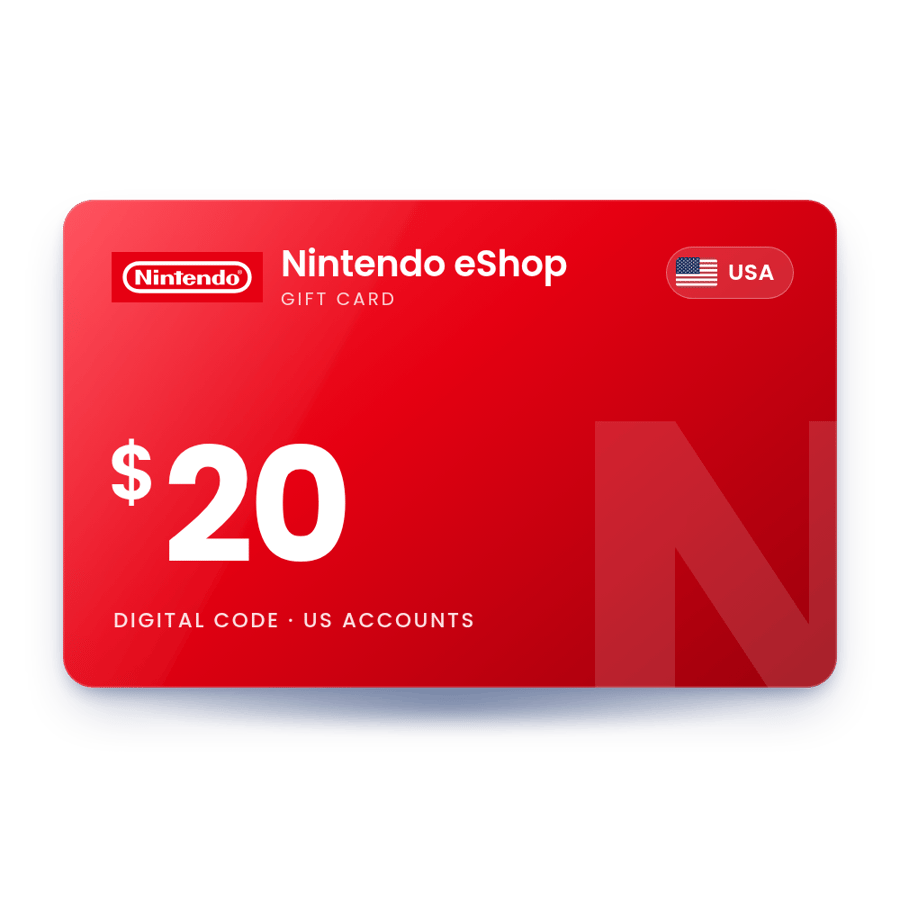
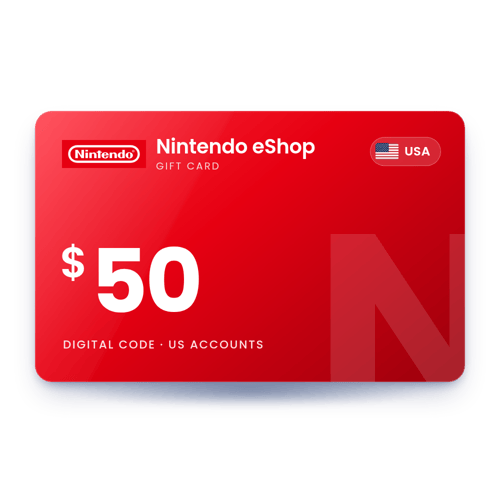
Nintendo eShop Gift Card $50 USD - USA
 USA account
$48.99Add
 Gift CardUSA · UK · Europe
Nintendo eShop Card: A 16-character Nintendo code. An eShop card adds money to the balance of a Nintendo Account, and a Nintendo Switch Online code adds membership time to the account. We sell Nintendo eShop cards for Nintendo Accounts in the USA, the UK and Europe, and Nintendo Switch Online memberships, delivered to your account, usually within 10 minutes.
USA account
USA account
USA account
 UK account
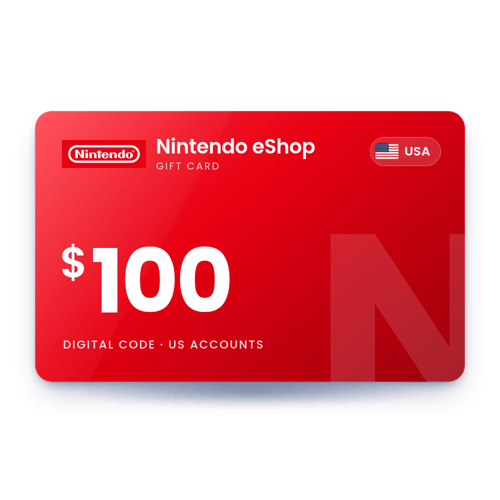
USA account
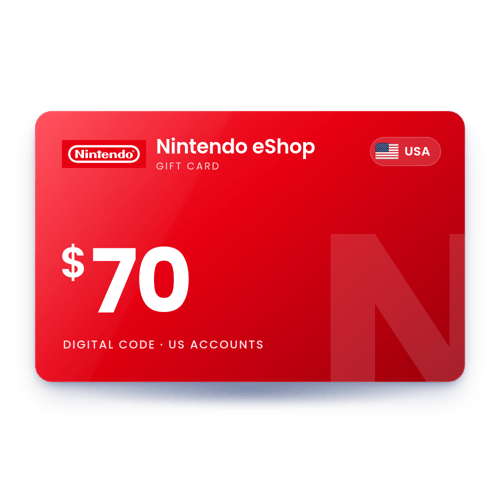
USA account
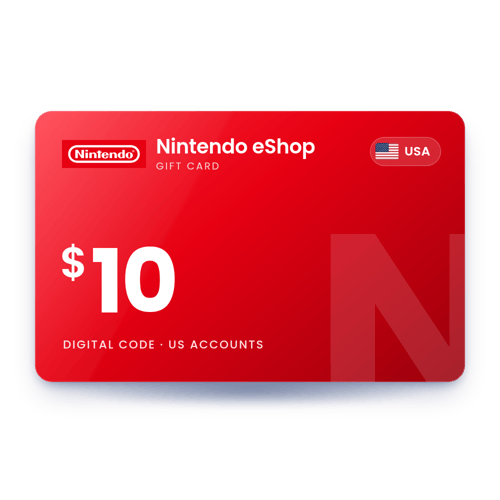
USA account
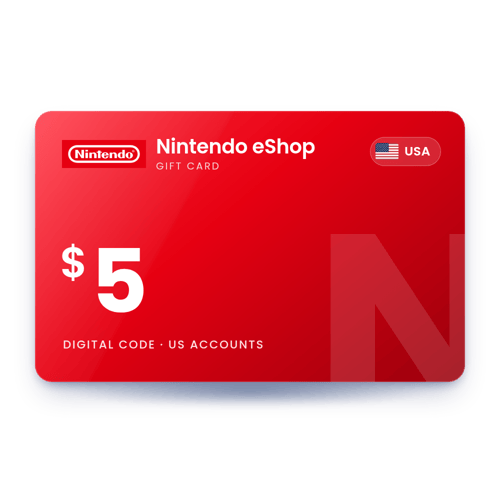
USA account
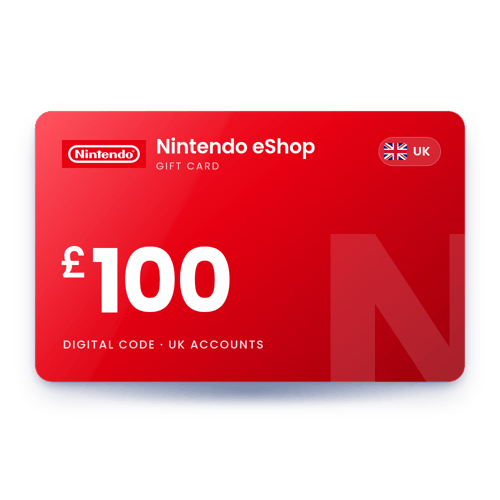
UK account
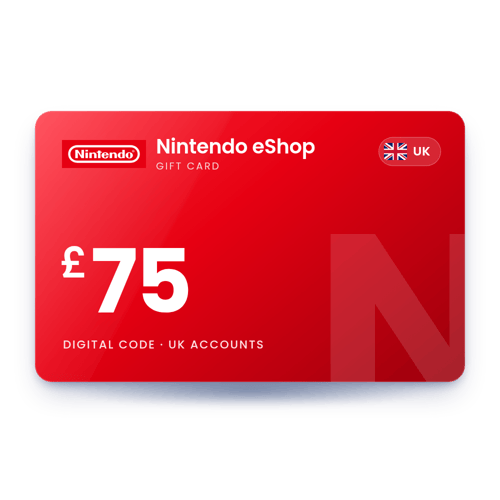
UK account
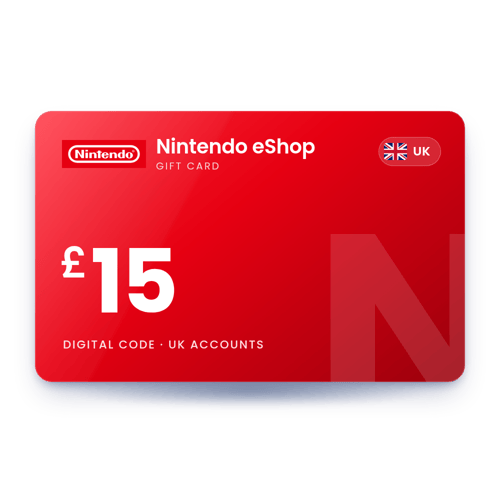
UK account
 Europe account
Europe account
USA account
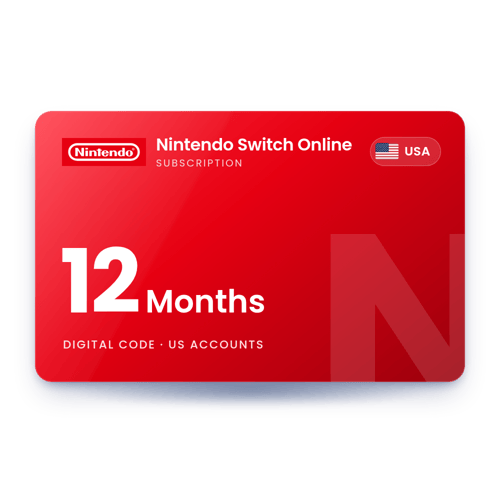
USA account
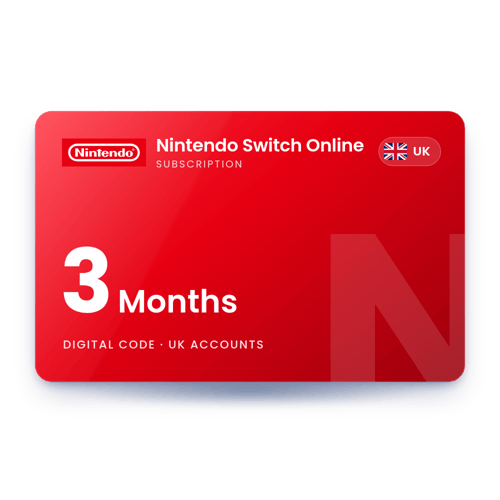
UK account
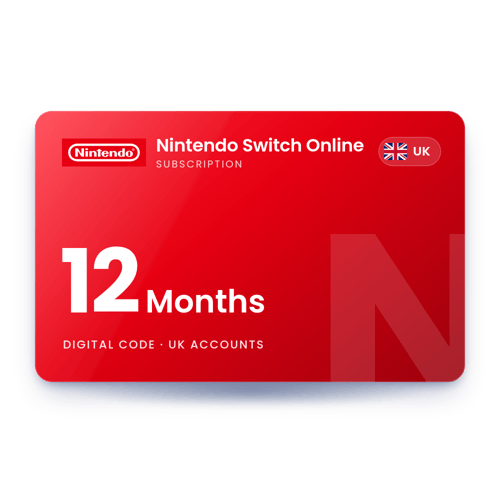
UK account
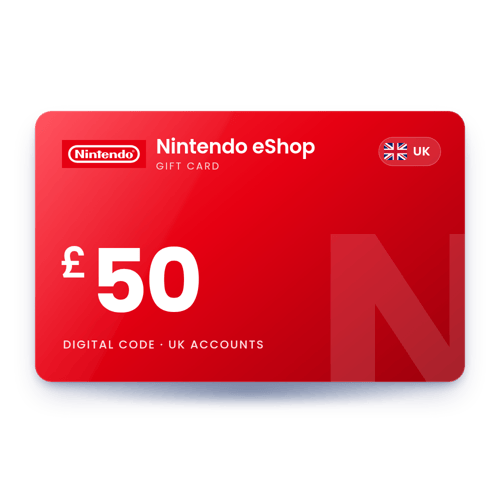
UK account
Buy digital games for Nintendo Switch 2 and Nintendo Switch in Nintendo eShop.
Pay for expansion passes, Nintendo Switch 2 Edition upgrade packs and other add-ons.
Pay for an individual or family Nintendo Switch Online membership from your balance.
Buy virtual currency sold in Nintendo eShop for free-to-start games.
Pick the card for the country set on your Nintendo Account.
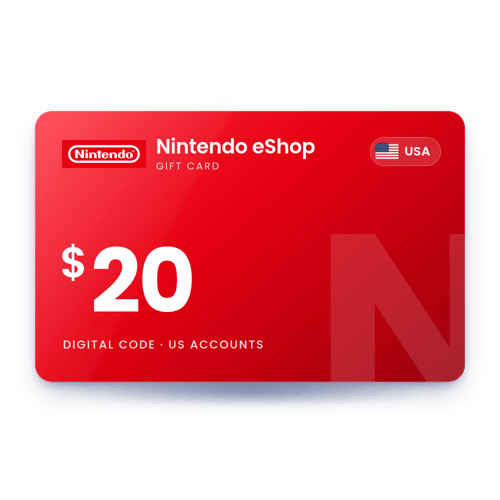
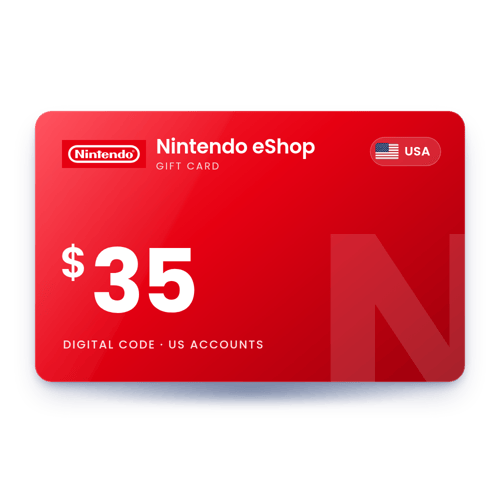
In US dollars, for Nintendo Accounts set to the United States only.
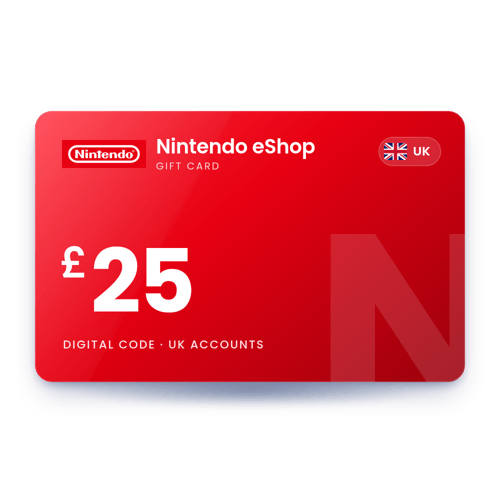
In pounds, for Nintendo Accounts set to the United Kingdom. It does not work on euro accounts.
In euros, for Nintendo Accounts in countries that use the euro.
More help: the official Nintendo eShop page.
Yes. The balance belongs to your Nintendo Account, so it can be used in Nintendo eShop on any Switch 2 or Switch where that account is linked.
No. Nintendo's US terms say the balance on a US eShop code does not expire and has no fees.
Yes. You can add memberships of the same type to extend your time up to 3 years (1,095 days) in total. Individual and family time cannot be combined.
No. Nintendo does not allow individual membership codes on an account that is already covered by a family membership.
Yes. GameChat is part of Nintendo Switch Online. Nintendo let everyone use it without a membership until March 31, 2026; after that a membership is needed.
No. Nintendo cannot exchange a card for one from another country. In Europe a card works in any country that uses the same currency.
Yes, but spend the balance first. Nintendo says the remaining balance does not carry over to the new country.