

Description
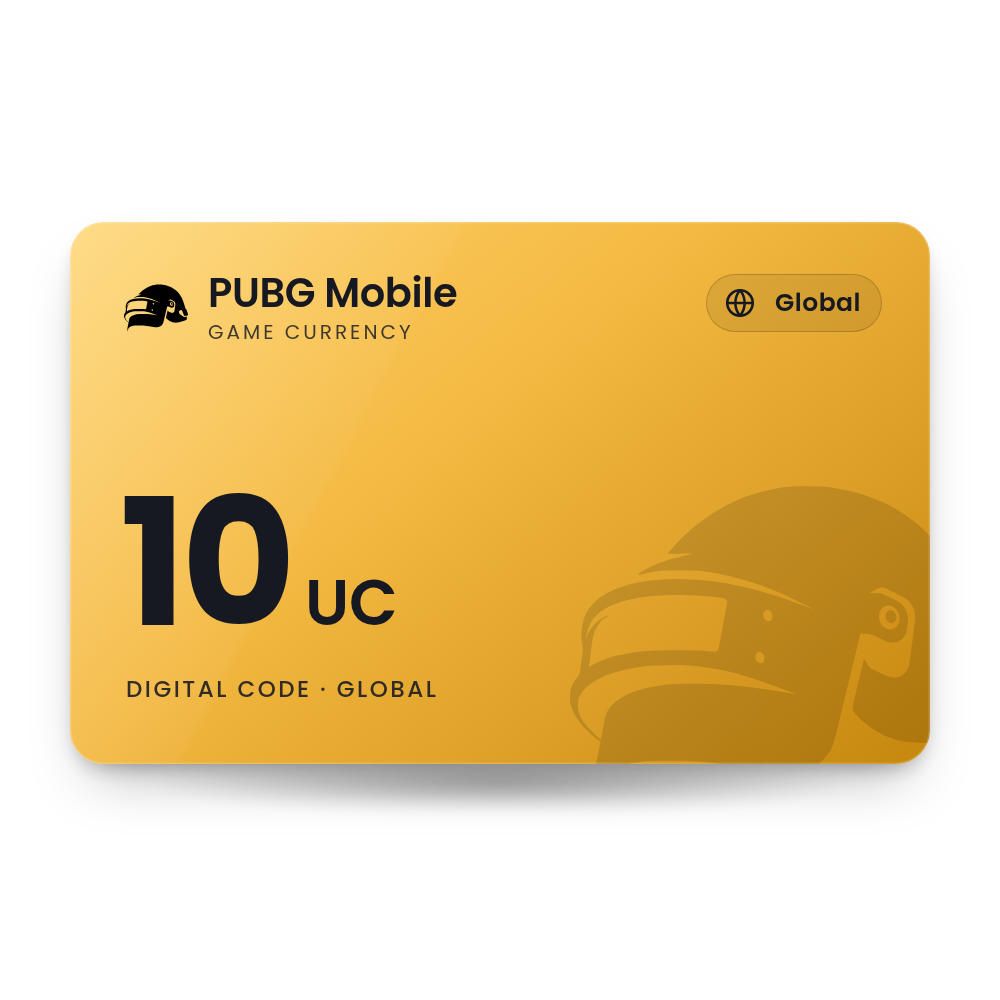
PUBG Mobile 10 UC
A code for 10 UC in PUBG MOBILE. Redeem it on Midasbuy, the official PUBG MOBILE store, with your Player ID, and the UC is sent straight to your game account. The code is in your account, usually within 10 minutes, and we email you when it is ready, so there is no card to wait for in the post.
- Value
 10 UC
10 UC - Works in
 Countries where Midasbuy offers PUBG MOBILE (global version)
 - Works on
 Android · iPhone · Midasbuy (web)
 - Delivery
 Digital code in your account
What you can spend it on
UC is the premium currency of PUBG MOBILE.
Royale Pass
Upgrade the season's Royale Pass to get its extra rewards as you level it up.
Crates and spins
Open premium crates and event draws that hold outfits, weapon skins and vehicle skins.
Outfits and skins
Buy outfits, weapon finishes and other cosmetic items from the in-game Shop.
Bundles and events
Buy limited-time bundles and take part in UC events that run during a season.
How to redeem your PUBG MOBILE code
It takes about a minute. You need the code from your order, in My Account › Orders.
On Midasbuy Web
- Go to midasbuy.com, choose your country or region and open PUBG MOBILE.
- Select the REDEEM tab and sign in to your Midasbuy account.
- Under ENTER PLAYER ID, enter your PUBG MOBILE Player ID, then under ENTER REDEEM CODE enter the code and select OK.
- Return to the game. The UC is added to your account and shows at the top right of the lobby.
Find your Player ID In game
- Open PUBG MOBILE and sign in to the account you want to top up.
- Tap your avatar in the upper-left corner to open your personal profile.
- Copy the number shown as your ID and paste it on Midasbuy.
More help: the official PUBG MOBILE page.
Why buy it from TechHauz
- Code in your accountUsually within 10 minutes of payment, in My Account › Orders, with an email when it is ready.
- Genuine codesSourced from authorized distributors and checked before delivery, for the right platform and region.
- Help around the clock24/7 support by live chat, email and WhatsApp. If a code shows an error, send us a screenshot.
- A US company since 2016TECH HAUZ LLC, based in Maryland, rated 4.3 out of 5 by verified buyers.
PUBG MOBILE questions
Where do I find my PUBG MOBILE Player ID?
In the game, tap your avatar in the upper-left corner. Your ID is shown on your profile. You can also sign in to Midasbuy with your PUBG MOBILE account, which fills in your Player ID for you.
What does 600 + 60 UC mean?
The first number is the base UC and the second is bonus UC that comes with that amount. Both are added to your account together when you redeem the code.
Does it work in BGMI or PUBG: BATTLEGROUNDS on PC?
No. BGMI is a separate game for India with its own UC. PUBG: BATTLEGROUNDS on PC and console uses a different currency called G-COIN. This code is for PUBG MOBILE only.
My UC has not arrived. What should I do?
It can take a few minutes, and longer on a slow connection. If it has not arrived after 24 hours, contact Midasbuy customer service with your Player ID, country or region, the item and the time you redeemed.
Can I move UC to another account?
No. UC is added to the Player ID you enter and cannot be transferred between accounts, so check your Player ID before you select OK.
How quickly will I get the code?
Most orders are in your account within 10 minutes. If your payment needs a security check, which is more common on a first order, it can take a little longer. The code is also saved in My Account › Orders.
What if the code doesn't work?
First check that you entered the code and your player or account ID exactly as they appear. If it is and the code still shows an error, contact us with a screenshot of the message and your order number.
Reviews
There are no reviews yet