
Microsoft 365 Personal – 1 Year Subscription- USA
December 16, 2023
Microsoft 365 Business – 1 Year Subscription- USA
December 17, 2023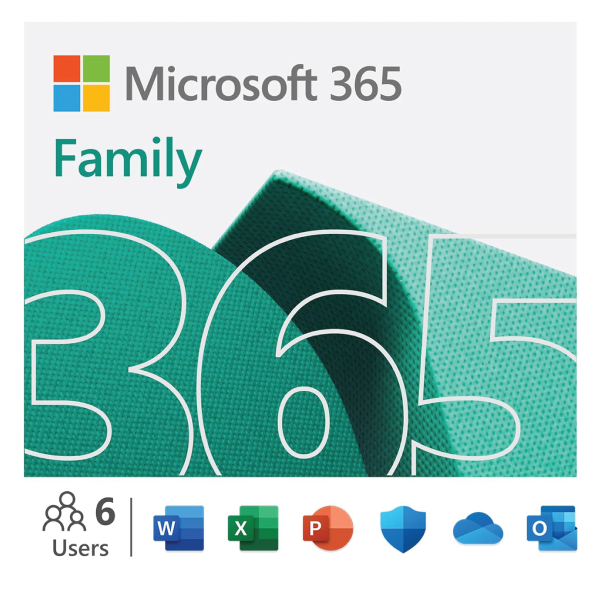

Microsoft 365 Family – 1 Year Subscription- USA
$103.99 $110.99
- With 12 months of Microsoft 365 Family for up to six people, you and your family can have the tools to create, organize, and get things done.
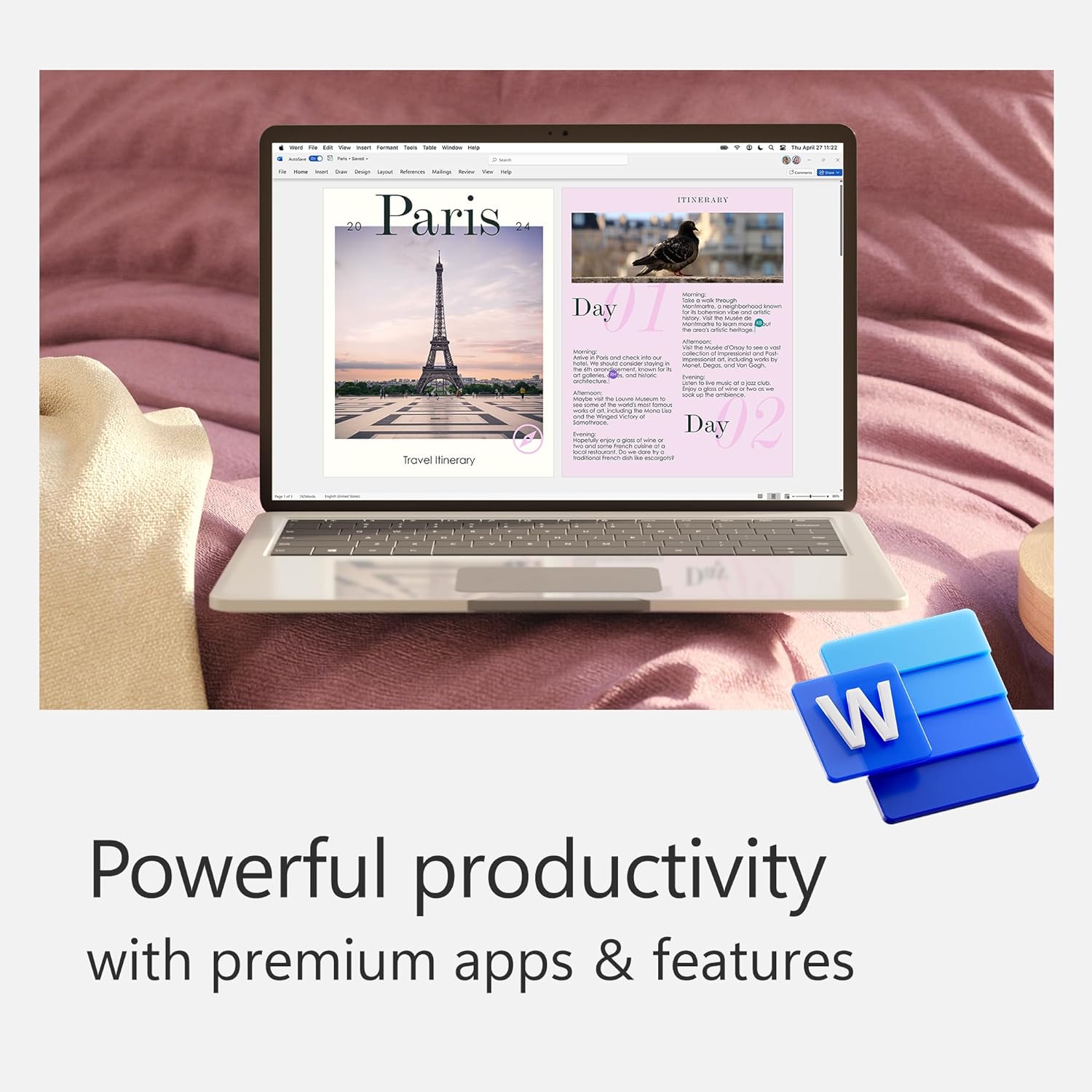
- Bring out your best with premium Office apps, including Word, Excel, and PowerPoint.
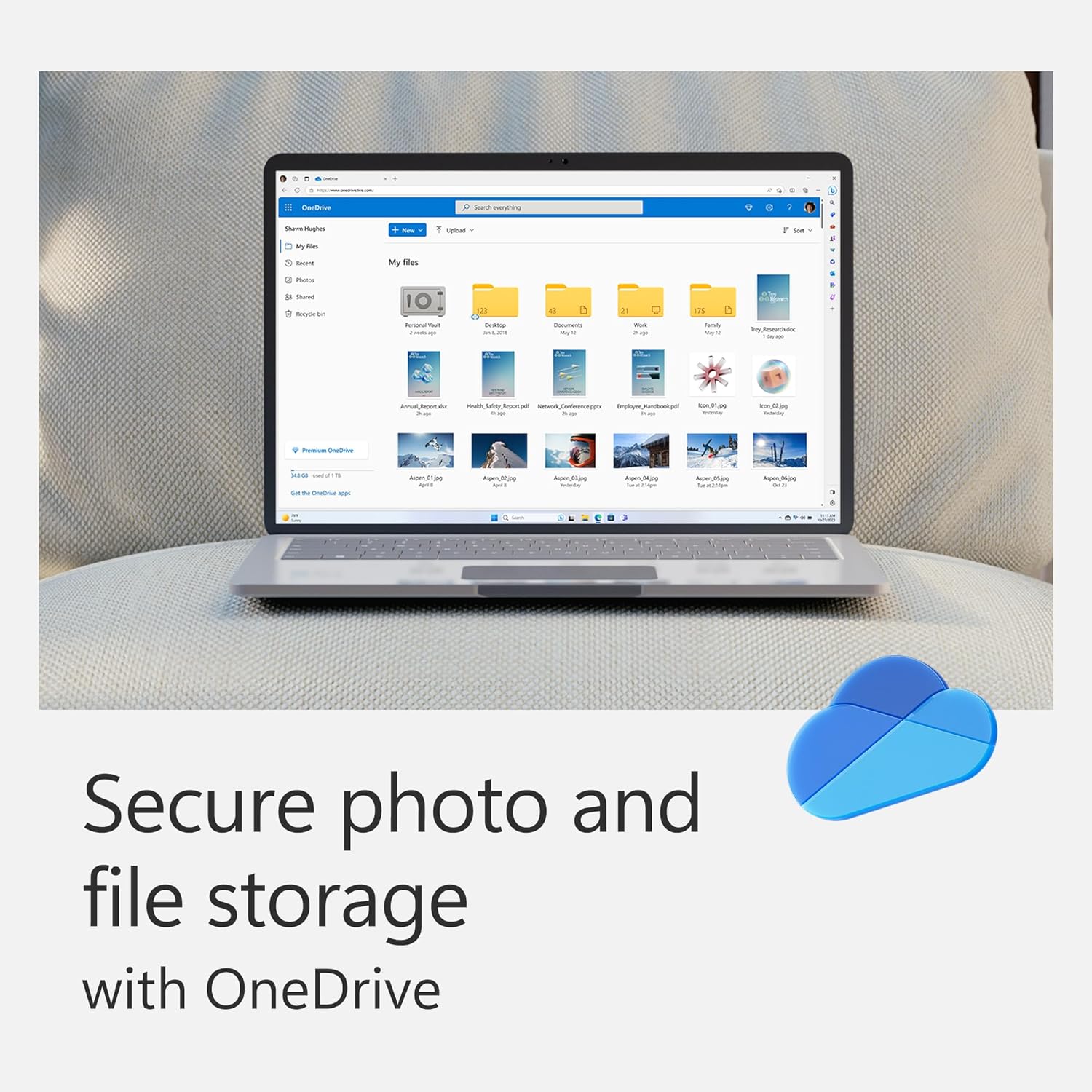
- Your subscription includes 1 TB of OneDrive cloud storage for each person you share with, so they can easily access, edit, and share files and photos across all devices.
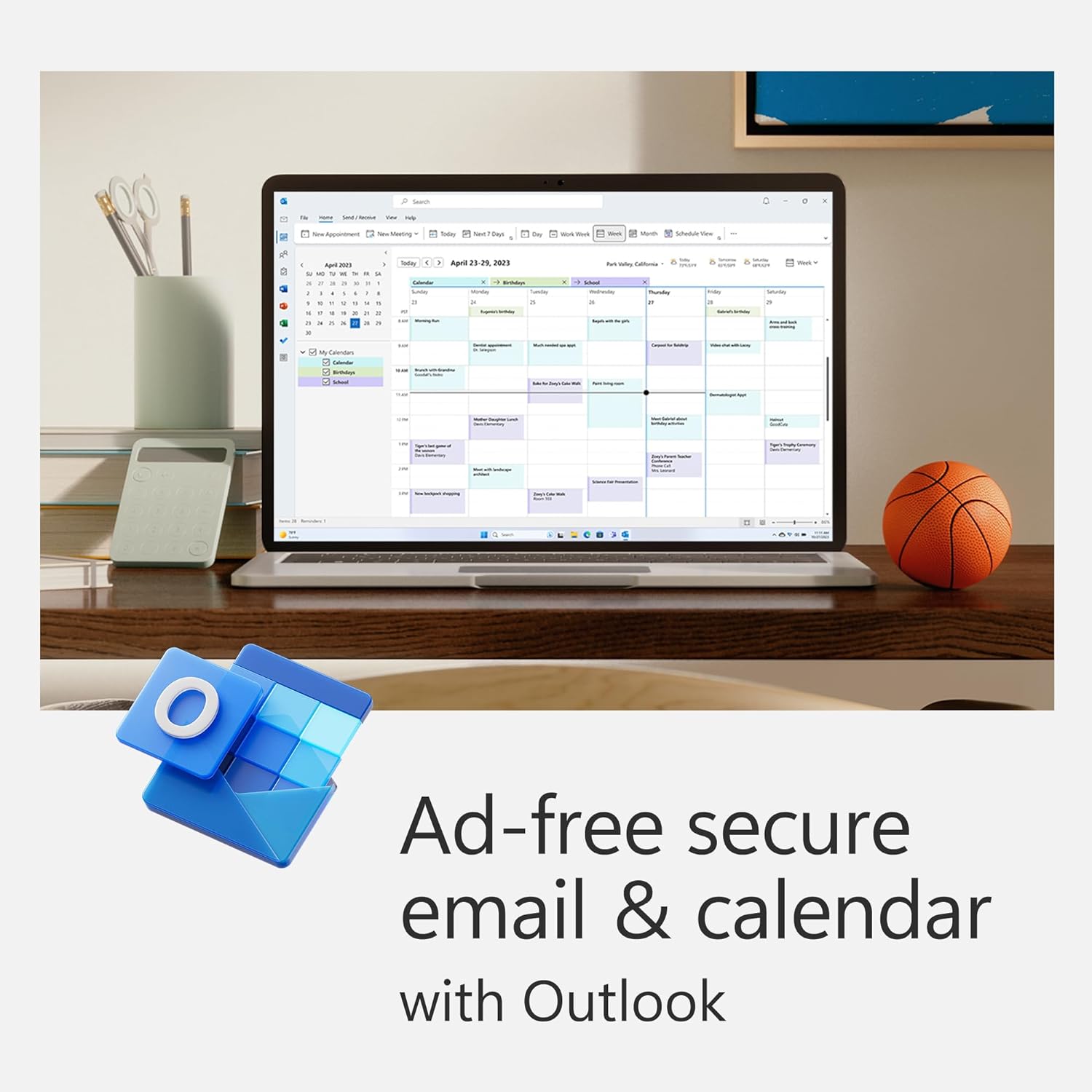
- Keep it all together with Outlook, an ad‑free app for your email, calendars, to do lists and contacts with security tools that keep your information protected.
- Protect your files with advanced security features like built‑in ransomware detection and recovery and you can use two‑step identity verification to access your most important files in OneDrive Personal Vault.
- Gives you the flexibility to use multiple PCs, Macs, iPads, iPhones and Android phones.
Transform your family’s digital productivity with Microsoft 365 Family, the comprehensive subscription service that brings together powerful productivity apps, cloud storage, and security features for up to six household members. This one-year subscription provides unlimited access to the full suite of Microsoft Office applications across multiple devices, ensuring your family stays connected, organized, and productive whether at home, school, or work.
Complete Office Suite for Every Family Member
Microsoft 365 Family includes the complete collection of premium Office applications: Word, Excel, PowerPoint, Outlook, OneNote, and Access (PC only). Each family member gets their own personalized experience with individual Microsoft accounts, allowing everyone to access their documents, settings, and preferences from any compatible device. The subscription supports installation across Windows PCs, Macs, tablets, and smartphones, providing seamless productivity across all platforms your family uses.
With always up-to-date versions of these essential applications, your family benefits from the latest features, security updates, and performance improvements automatically delivered through the cloud. No more worrying about outdated software or purchasing expensive upgrades – Microsoft 365 Family ensures everyone always has access to the most current and secure versions of these industry-leading productivity tools.
Generous Cloud Storage and File Sharing
Each family member receives 1TB of personal OneDrive cloud storage, totaling 6TB for the entire household. This substantial storage capacity accommodates photos, videos, documents, and projects while keeping everything synchronized across devices. Family members can easily share files and folders with each other, collaborate on documents in real-time, and access their content from anywhere with an internet connection.
The integrated backup and sync capabilities protect your family’s digital memories and important documents automatically. OneDrive’s version history feature allows recovery of previous file versions, while advanced sharing controls let family members determine who can view, edit, or comment on shared content. Photos taken on mobile devices sync automatically, creating a comprehensive family photo library accessible to all authorized members.
Advanced Security and Family Safety Features
Microsoft 365 Family prioritizes your household’s digital security with Microsoft Defender, providing real-time protection against viruses, malware, and online threats across all connected devices. The subscription includes identity theft monitoring, secure password storage through Microsoft Authenticator, and advanced email security features that filter spam and phishing attempts.
Parents gain valuable oversight tools through Microsoft Family Safety, enabling screen time management, content filtering, and location sharing for family members. These parental controls help create healthy digital habits while ensuring children access age-appropriate content. Spending limits for online purchases and detailed activity reports provide additional peace of mind for parents managing their family’s digital environment.
How Microsoft 365 Family Works
- Purchase your one-year Microsoft 365 Family subscription and receive activation instructions
- Create or sign in to your Microsoft account and redeem your subscription code
- Invite up to five additional family members to join your subscription group
- Each member downloads and installs Office apps on their preferred devices (up to five devices per person)
- Set up individual OneDrive accounts with 1TB storage for each family member
- Configure family safety settings and sharing preferences through the Microsoft 365 admin portal
- Begin creating, collaborating, and sharing documents across your family network
- Enjoy automatic updates and new features throughout your subscription period
Productivity Features That Bring Families Together
The collaborative capabilities of Microsoft 365 Family extend beyond traditional office work, supporting family organization and communication needs. Shared calendars help coordinate schedules, appointments, and family events, while collaborative document editing allows multiple family members to work on projects simultaneously. Whether planning vacations, managing household budgets, or helping children with school assignments, the integrated suite provides tools that bring families together around common goals.
Microsoft Teams integration enables video calls and chat conversations between family members, particularly valuable for extended families or when traveling. The mobile apps ensure productivity continues on-the-go, with full editing capabilities available on smartphones and tablets. Voice-to-text features, intelligent writing assistance, and design suggestions help family members create professional-quality documents regardless of their technical expertise.
Frequently Asked Questions
How many people can use Microsoft 365 Family?
Microsoft 365 Family supports up to six family members, each with their own individual Microsoft account and personalized access to all included applications and services.
What devices are compatible with this subscription?
The subscription works across Windows PCs, Macs, Android devices, iOS devices, and through web browsers. Each family member can install Office apps on up to five devices simultaneously.
How much cloud storage does each person get?
Every family member receives 1TB of personal OneDrive cloud storage, providing ample space for documents, photos, and other digital content while maintaining individual privacy.
Can family members share documents and files?
Yes, family members can easily share files and folders through OneDrive, collaborate on documents in real-time, and set specific permissions for viewing, editing, or commenting on shared content.
What happens when the subscription expires?
When your subscription expires, family members lose access to premium Office features but can still view and print documents. Cloud storage reduces to the free tier limits, and some files may become read-only until subscription renewal.
Ready to enhance your family’s productivity and digital collaboration? Purchase Microsoft 365 Family today and give your household access to the world’s most trusted productivity suite with comprehensive security features and generous cloud storage for an entire year.
How to Redeem Your Microsoft 365 Family - 1 Year Subscription- USA
- Complete your purchase securely using Visa, Mastercard, AMEX, Apple Pay, or Google Pay.
- Receive your digital code via email and in your TechHauz account within minutes of payment verification.
- Copy the code and redeem it on the official platform to add credit or activate your subscription instantly.
Why Buy Microsoft from TechHauz?
TechHauz is operated by TECH HAUZ LLC, a US-registered digital commerce company based in Maryland. Since 2016, we have delivered thousands of verified digital codes to customers worldwide. All orders include instant digital delivery with 24/7 customer support via email and WhatsApp. Our codes are sourced from authorized distributors and verified before delivery to ensure they work on the intended platform and region.
| Brands | Microsoft |
|---|
Only logged in customers who have purchased this product may leave a review.
Related products
-
Microsoft 365 Business – 1 Year Subscription- USA
$156.99- With 12 months of Microsoft 365 Business, you and your family can have the tools to create, organize, and get things done.
- Bring out your best with premium Office apps, including Word, Excel, and PowerPoint.
- Your subscription includes 1 TB of OneDrive cloud storage for each person you share with, so they can easily access, edit, and share files and photos across all devices.
- Keep it all together with Outlook, an ad‑free app for your email, calendars, to do lists and contacts with security tools that keep your information protected.
- Protect your files with advanced security features like built‑in ransomware detection and recovery and you can use two‑step identity verification to access your most important files in OneDrive Personal Vault.
- Gives you the flexibility to use multiple PCs, Macs, iPads, iPhones and Android phones.
$167.00 -
Microsoft 365 Personal – 1 Year Subscription- USA
$73.99- With 12 months of Microsoft 365 Personal, you can have the tools to create, organize, and get things done.
- Bring out your best with premium Office apps, including Word, Excel, and PowerPoint.
- Your subscription includes 1 TB of OneDrive cloud storage for each person you share with, so they can easily access, edit, and share files and photos across all devices.
- Keep it all together with Outlook, an ad‑free app for your email, calendars, to do lists and contacts with security tools that keep your information protected.
- Protect your files with advanced security features like built‑in ransomware detection and recovery and you can use two‑step identity verification to access your most important files in OneDrive Personal Vault.
- Gives you the flexibility to use multiple PCs, Macs, iPads, iPhones and Android phones.
$77.99 -
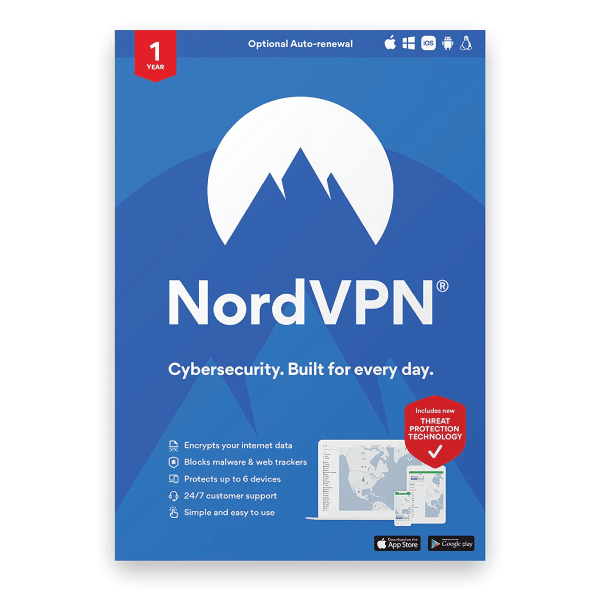
NordVPN – 1-Year VPN & Cybersecurity Software Protection For 6 Devices -INTERNATIONAL- Email Delivery
$70.90- Defend the whole household. Keep NordVPN active on up to 6 devices at once or secure the entire home network by setting up VPN protection on your router. Compatible with Windows, macOS, iOS, Linux, Android, Amazon Fire TV Stick, and others.
- Stop common online threats. Scan new downloads for malware and viruses, avoid dangerous links, block intrusive ads, and more. It’s a great way to protect your data and devices without the need to invest in additional antivirus software.
- Protect your personal details. NordVPN stops others from easily intercepting your data and stealing valuable personal information while you browse.
- Get alerts when your data leaks. Our Dark Web Monitor will warn you if your account details are spotted in underground hacker sites, letting you take action early.
- Make public Wi-Fi safe to use. Work, browse, play safely at your local cafe, your hotel room, or the airport lounge.
- Explore the internet in privacy. Shield your online life from prying eyes with just one click of a button.
- This is a physical product that will be delivered to you physically. The package includes an activation code and activation instructions.
$73.99

Reviews
There are no reviews yet